What this tool does (and does not do)
Truly verifying a CUFE means asking the DGI. So this tool:
- Validates the format of the CUFE or the link, and extracts the CUFE even if you paste the full QR-code link.
- Opens the invoice at the DGI: it takes you to the official DGI page with the invoice loaded (issuer, date, amount and status), by CUFE or from the QR link.
- The confirmation comes from the DGI, not from this tool: the link opens the official DGI page, which shows whether the invoice is registered and authorized. If it cannot find the CUFE, the invoice is not valid.
Fast path: the QR code
- Scan the QR code printed on the invoice (the CAFE) with your phone.
- The DGI portal opens with the invoice already loaded.
- Check issuer, recipient, date, amount and status (accepted or voided).
Manual path: the CUFE code
- Go to the DGI portal: dgi-fep.mef.gob.pa.
- Open the Facturas por CUFE lookup.
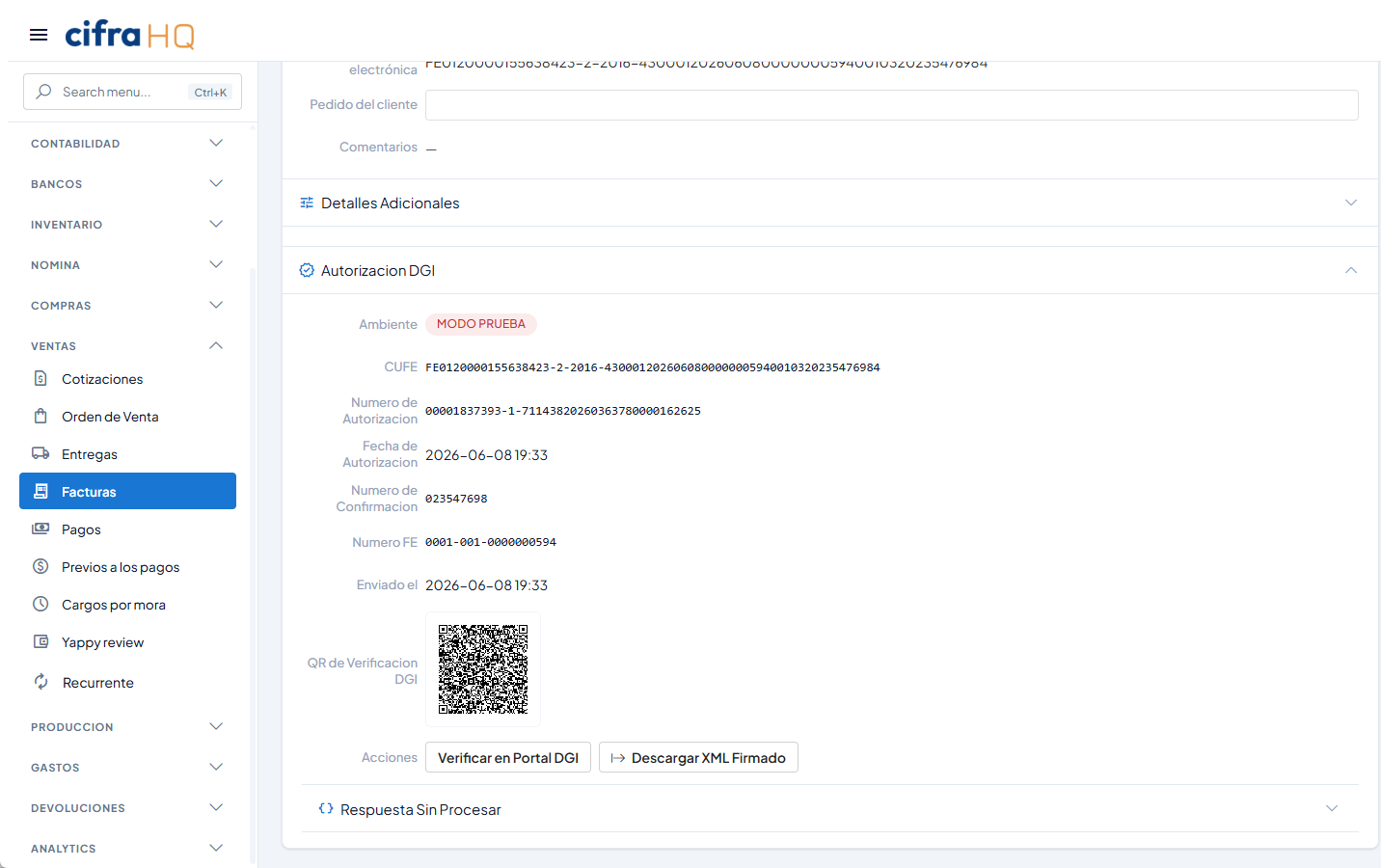
- Enter the CUFE shown at the top of the CAFE.
- If the DGI cannot find it, the invoice is not valid.
What is a CUFE?
The CUFE (Codigo Unico de Factura Electronica, or Unique Electronic Invoice Code) is a unique alphanumeric identifier that the DGI, through an authorized PAC, assigns to every electronic invoice the moment it is issued under Law 256 of 2021. It encodes invoice data (document type, issuer RUC, numbering, date) plus a security seal, so no two invoices ever share the same CUFE. An invoice without a valid CUFE is not accepted as a tax document in Panama. For the full picture, see our guide on electronic invoicing in Panama.
Why it matters
If you receive an invoice to claim ITBMS or support a deductible expense, that invoice only counts if it is registered with the DGI. An invoice with a non-existent CUFE, or one issued in a test environment, has no tax validity: you cannot deduct it, and it leaves you exposed in an audit. Verifying before you pay or file is the simplest way to avoid that problem.